

Tutorials
Learn SportsDJ, one task at a time.
Getting started
1:23
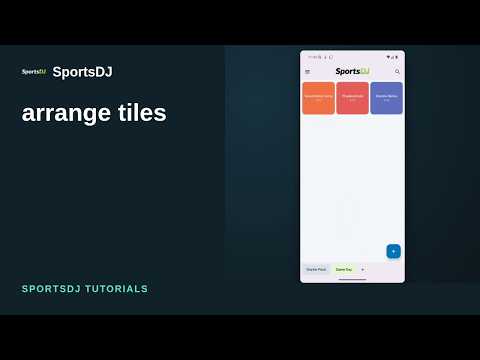
Arrange tiles
Reorder tiles and control playback from the Now Playing pill.

1:13
Sections
Organize sounds into sections and add spacers.

1:14
Combo tile “Goal!”
Combine Goal Horn, repeated Air Horn blasts, and Crowd Cheer.
1:02
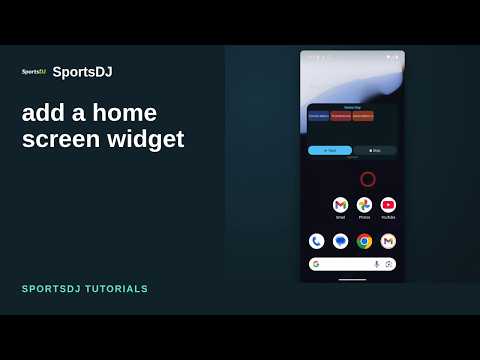
Home screen widget
Add an Android home screen widget and play or stop group sounds.

2:50
How to edit trims, fades and dropouts in SportsDJ
Trim a song in the Game Day music group, set fades, and mute or duck sections with dropouts.

1:20
How to create an Action Tile in SportsDJ
Add an Action Tile to Music Controls that plays from Songs, choose sequential playback, and play or fade out music.
2:17
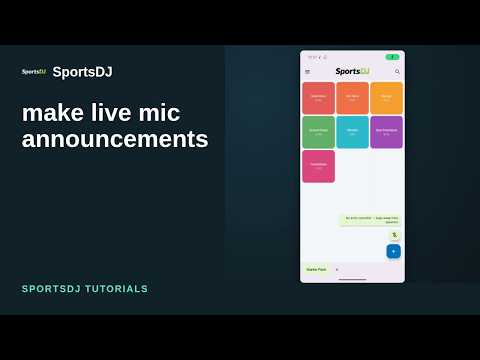
How to make live mic announcements in SportsDJ
Enable live mic announcements, adjust voice and audio settings, duck background sounds, and use Smart mode to tap or hold to talk.
Sports

2:14
Walk-up music
Set a batting order, add music and voice, and play each walk-up.
1:39
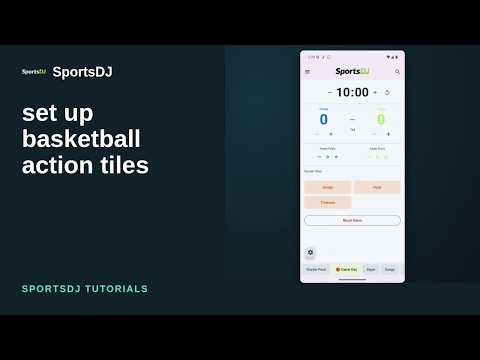
Basketball
Add basketball action tiles and use the score, foul, and clock controls.

1:47
Soccer
Create a Soccer group, assign sounds, and use the match controls.

1:40
Football
Add football sounds and track scores, quarters, downs, and distance.